WinISD comparison
WinISD vs 00 Simulator: which speaker enclosure tool should you use?
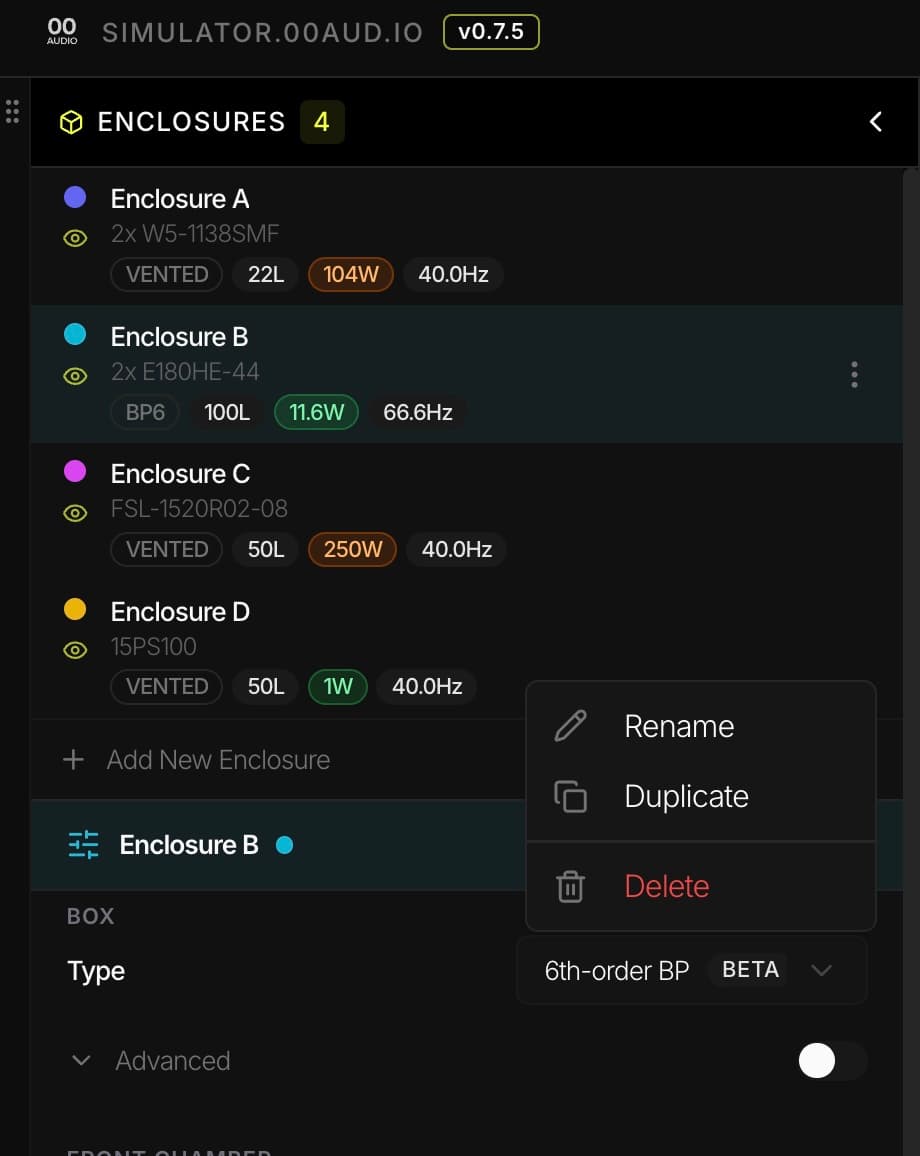
WinISD is still an important reference point for speaker builders. 00 Simulator by 00 Audio is a browser-based WinISD alternative for people who want fast comparison, horns as well as boxes, WinISD file import/export and share links without a desktop install.
Use WinISD if
you want a familiar legacy Windows tool with a huge archive of forum advice, known workflows and decades of community memory.
Use 00 Simulator if
you want a modern browser-based workflow on Mac, Windows, Linux, iPad or mobile, with quick comparisons and shareable links, horns as well as boxes, or an AI assistant that runs the simulations for you.
Use both if
you already have WinISD .wdr or .wpr files and want to bring them into a browser, then export selected projects back out when useful.
Feature comparison
Direct comparison for enclosure design work
This table is intentionally practical. It focuses on the jobs most builders care about: modelling boxes, reading limits, moving files around and sharing designs.
| Category | 00 Simulator | WinISD |
|---|---|---|
| Primary workflow | Browser workspace for comparing enclosure variants and sharing designs. | Desktop modelling workflow with long-standing community familiarity. |
| Platform | Mac, Windows, Linux, iPad and mobile browsers. | Windows desktop. Other platforms usually need workarounds. |
| Cost | Free to use. | Free to use. |
| Enclosure support | Sealed, ported, passive radiator, 4th- and 6th-order bandpass, and eight horn types (front-loaded, back-loaded, tapped, offset-driver, stubbed, compound, multiple-entry and Paraflex; in alpha). | Sealed, vented, passive radiator and bandpass. No horns. |
| Graphs | SPL, max SPL, headroom, excursion, impedance, phase, group delay, port velocity, PR excursion and amplifier load, plus particle velocity, pressure and acoustic impedance inside horns. Your own measurements can be overlaid. | Core loudspeaker box simulation plots with a familiar legacy interface. |
| Import/export | Imports WinISD .wdr drivers and .wpr projects, Unibox spreadsheets, pasted spec sheets and REW measurements (.txt, .frd, .zma, .csv). Exports .wdr drivers, WinISD projects (beta) and Hornresp records. | Native owner of WinISD driver and project files. |
| Sharing | Share a design by link, publish it to the public gallery and your profile, or keep it as a private draft. | Share files manually. |
| AI assistants | A connector for Claude, ChatGPT and other MCP clients, with 39 tools that run the same solver as the app. | None. |
| Validation | 93.0% of 6,358 comparison points agree within tolerance across 50 WinISD projects, and every point is published. | The reference these results are checked against. |
| Active development proof | Server-rendered changelog, public roadmap and community-requested feature history. | Mature legacy tool, but not an actively shipped browser product. |
| Best fit | Fast iteration, browser access, Mac/iPad use, horns, share links and modern comparison UI. | Established Windows workflows, legacy references and known community examples. |
Where 00 Simulator wins
- You are on macOS, Linux, iPad or a borrowed machine and do not want to install a Windows app.
- You want to duplicate boxes, overlay graphs and compare volume or tuning changes quickly.
- You need share links for forum feedback, customer notes, build logs or collaboration.
- You are designing a horn, which WinISD does not model.
- You want Claude or ChatGPT to run real simulations on your designs.
- You want visible active-development proof through a roadmap and server-rendered changelog.
Where WinISD still wins
- Your current design library and habits are already built around WinISD project files.
- You are following an old forum tutorial that uses exact WinISD screens and terminology.
- You prefer a familiar desktop tool and do not need browser sharing or cross-device access.
- You want to compare against a known reference that many speaker builders already understand.
Compatibility
WinISD import and export are part of the bridge
00 Simulator can import WinISD .wdr driver files and .wpr project files. That matters because a lot of useful speaker design history still lives in WinISD formats.
Export is also supported for selected enclosures, so 00 Simulator does not have to be a dead end. Use the browser workflow for fast comparison and sharing, then move a WinISD-compatible project file back out if another tool or collaborator expects it.
The short answer
Use WinISD if you want the known legacy Windows tool. Use 00 Simulator if you want an actively maintained browser-based speaker enclosure simulator with modern comparison, horns, WinISD file compatibility and link sharing.